

Discover my honest and detailed H&R Block review, the tax preparation software that simplifies filing taxes. Learn about its key features, benefits, and how it can save you time and money.

Conquer Tax Season Stress with H&R Block!
Feeling overwhelmed by taxes? H&R Block simplifies filing and maximizes your refund. Get expert help today!
- Conquer Tax Season Stress with H&R Block!
- H&R Block Review: My Comprehensive Experience with This Tax Prep Software
- Why I Chose H&R Block for My Taxes
- Key Features and Benefits of H&R Block
- Breaking Down the Filing Process with H&R Block
- Who Is H&R Block Best For?
- What Sets H&R Block Apart?
- My Results Using H&R Block
- Tips for Getting the Most Out of H&R Block
- FAQs About H&R Block
- Final Thoughts: Should You Choose H&R Block?
- Maximize Your Refund: H&R Block's Expert Solutions
H&R Block Review: My Comprehensive Experience with This Tax Prep Software
Filing taxes can feel overwhelming, but choosing the right tax preparation tool makes all the difference. Having tested H&R Block extensively, I can confidently say this software strikes the perfect balance between user-friendliness, affordability, and functionality.
Whether you’re a seasoned tax filer or a first-timer, H&R Block has tools and resources to guide you through every step.
In this H&R Block review, I’ll walk you through my personal experience, the software’s standout features, and the practical ways it simplifies tax preparation for everyday users like you.
Why I Chose H&R Block for My Taxes

Before diving into the details, let me tell you why I decided to try H&R Block. I wanted software that was intuitive, offered real-time support, and catered to complex tax situations (hello, freelance gigs and side hustles!). I also didn’t want to spend hours navigating IRS jargon or worry about making a costly mistake.
H&R Block checked all those boxes and more. From step-by-step guidance to live expert help, it made tax season much less stressful.
Key Features and Benefits of H&R Block
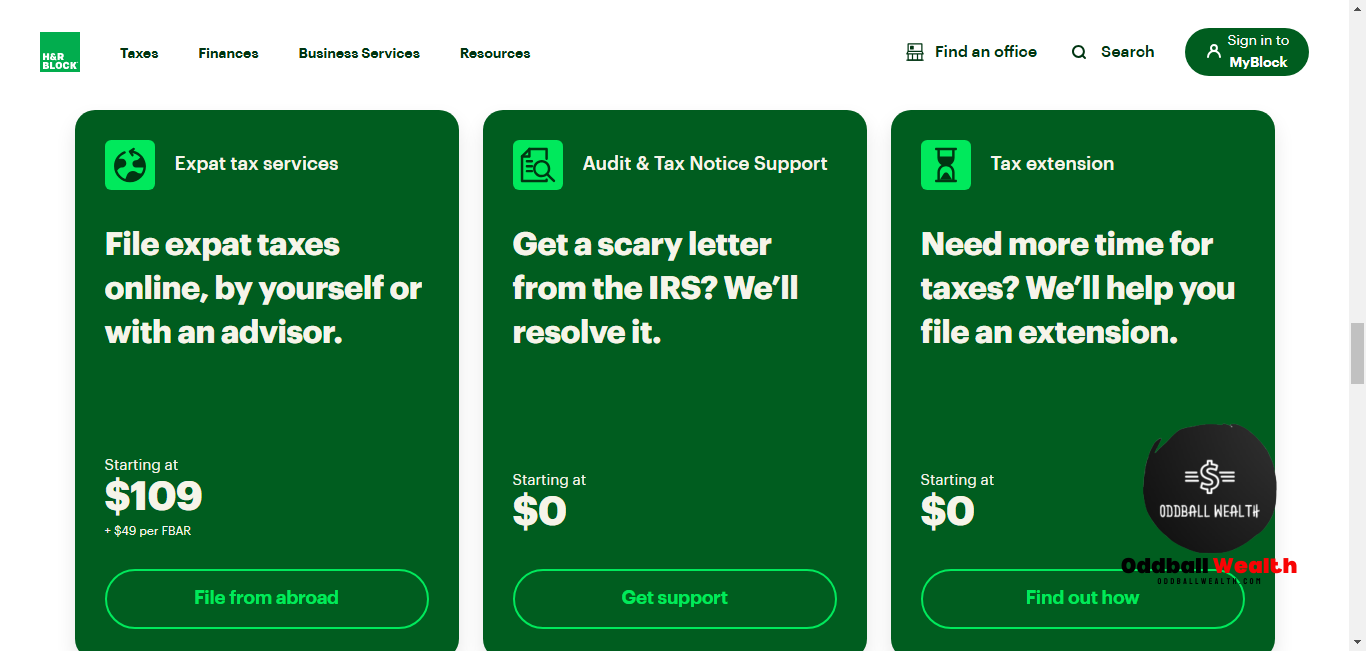
1. User-Friendly Interface
H&R Block’s interface is incredibly clean and easy to use. From the moment you log in, you’re greeted with clear instructions and helpful prompts.
For instance, when I started entering my income details, the software automatically pulled my W-2 from my employer. No tedious data entry was required—it took just a couple of clicks!
2. Multiple Filing Options
H&R Block offers flexibility in how you file your taxes:
- Online Filing: Perfect for tech-savvy users who prefer doing everything digitally.
- Desktop Software: For those who like having the program installed on their computer.
- In-Person Assistance: You can walk into an H&R Block office and get help from a tax pro.
- Hybrid Approach: Use the software and consult a professional when needed.
I opted for the online version, and it was seamless. But knowing I could visit an office if needed gave me peace of mind.
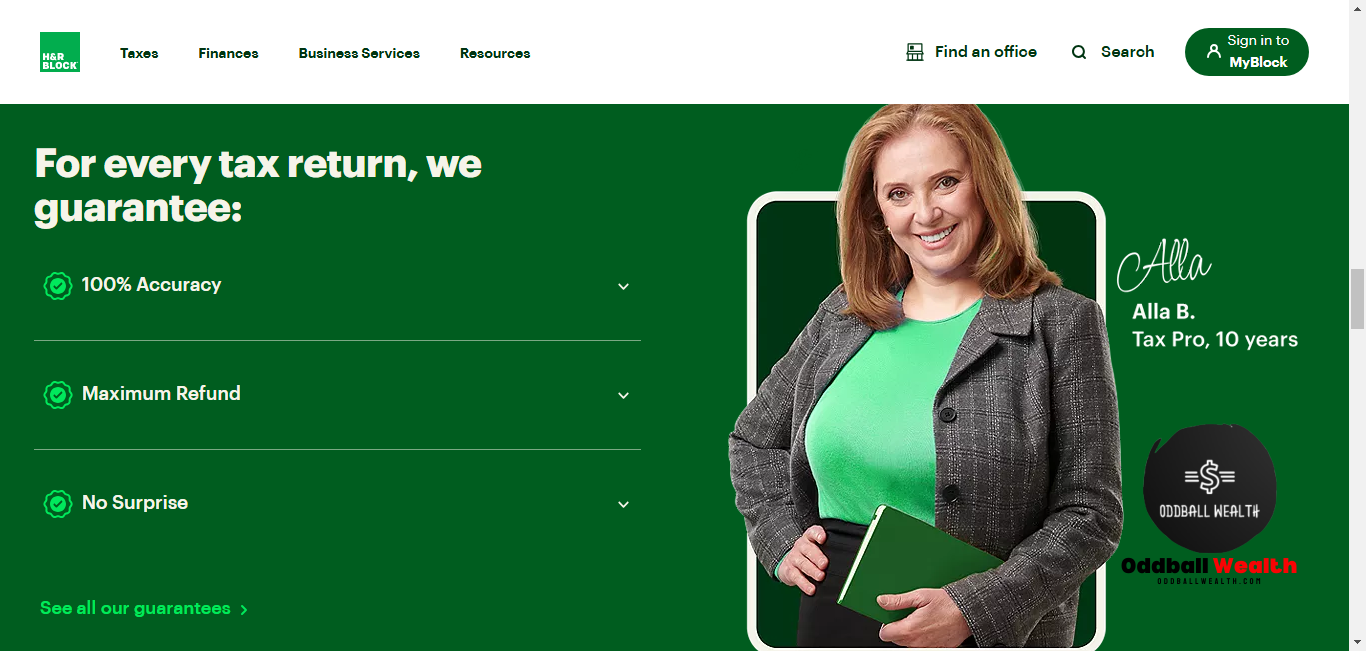
3. Free Online Filing for Simple Returns
If you have a straightforward tax situation (think W-2 income and no itemized deductions), H&R Block’s free tier is unbeatable. It even supports certain deductions and credits, like the Earned Income Tax Credit (EITC).
4. Expert Help on Demand
One standout feature is Online Assist. For a small fee, you get unlimited help from a tax expert via chat or screen share.
I used this service to clarify questions about my freelance income and tax deductions. The expert not only answered my questions but also walked me through optimizing my deductions.
5. Audit Support
Nobody likes to think about audits, but H&R Block has you covered. H&R Block’s Peace of Mind® Extended Service Plan offers audit representation if the IRS comes knocking.
Breaking Down the Filing Process with H&R Block
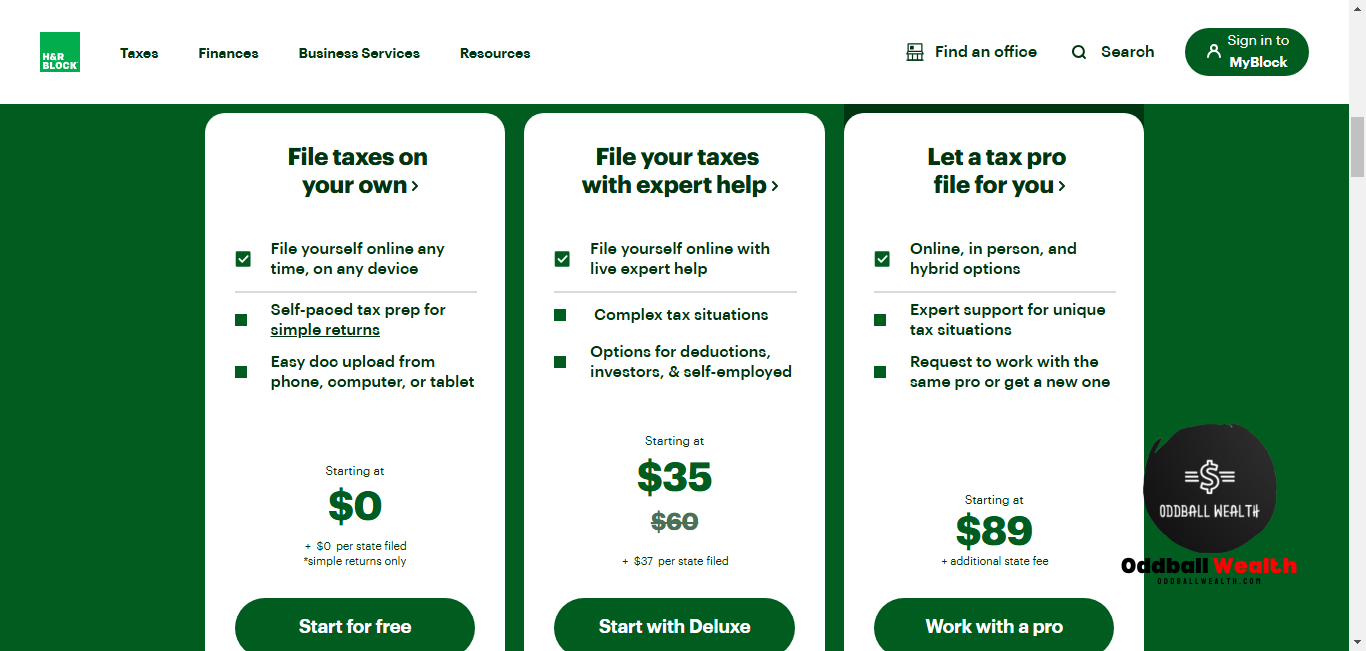
Step 1: Create Your Account and Choose a Plan
The first step is setting up an account. H&R Block’s website guides you to pick the right plan based on your tax situation:
- Free: Basic returns.
- Deluxe: Best for homeowners or those with significant deductions.
- Premium: Ideal for freelancers, investors, and rental property owners.
- Self-Employed: Tailored for gig workers and small business owners.
Since I have freelance income, I went with the Premium tier, and it was worth every penny.
Step 2: Import Your Tax Documents
One of my favorite features is the ability to import documents. H&R Block supports W-2 imports directly from your employer, and you can upload PDFs of 1099 forms.
For example, I uploaded my 1099-NEC, and the software categorized it automatically—no manual input required.
Step 3: Answer Simple Questions
H&R Block simplifies the filing process by breaking it into manageable steps. Instead of overwhelming you with a giant form, it asks straightforward questions:
- “Did you have any freelance or gig income?”
- “Do you want to claim a home office deduction?”
The questions are tailored to your situation, making it feel like a personalized tax guide.
Step 4: Optimize Deductions and Credits
H&R Block does an excellent job of identifying deductions and credits you might miss. For example, I discovered I could deduct part of my internet bill as a business expense.
The software also flagged potential credits, like the Saver’s Credit, based on my contributions to a retirement account.
Step 5: Review and File
Before submitting, H&R Block performs a thorough accuracy check. It flagged a minor issue in my return (I’d entered the wrong date for a charitable donation). After fixing it, I filed confidently, knowing everything was accurate.
Who Is H&R Block Best For?
- First-Time Filers: Its intuitive design and guided assistance make it perfect for beginners.
- Homeowners: The Deluxe plan includes mortgage interest and property tax deductions.
- Freelancers and Side Hustlers: The Premium and Self-Employed tiers cater to complex income streams.
- Families: It supports child tax credits and dependent care deductions.
What Sets H&R Block Apart?

Ease of Use
Even if you’ve never filed taxes before, H&R Block’s straightforward approach makes it manageable.
Comprehensive Coverage
From simple tax returns to intricate tax situations, it’s designed to handle them all.
Reliable Support
Knowing you can consult an expert at any time adds immense value.
Competitive Pricing
Compared to other tax prep software, H&R Block offers great features at a reasonable price.
My Results Using H&R Block
After filing my taxes with H&R Block, I felt confident and stress-free. The accuracy review gave me peace of mind, and I received my refund faster than expected.
For my freelance business, the tax prep software identified tax deductions I hadn’t even considered. This saved me hundreds of dollars!
Tips for Getting the Most Out of H&R Block
- Gather Documents Early: Have your W-2s, 1099s, and receipts ready to save time.
- Explore Deductions: Don’t skip the deduction-optimization section—it’s a goldmine.
- Use Online Assist: If you’re unsure about anything, get help from an expert.
- Save Your Progress: The software lets you pause and return anytime.
FAQs About H&R Block
Is H&R Block Really Free?
Yes, H&R Block’s Free Online plan covers simple returns, including W-2 income and certain credits. However, more complex situations may require a paid tier.
Can H&R Block Handle Freelance Income?
Absolutely. H&R Block’s Premium and Self-Employed plans are specifically designed for freelancers and small business owners.
Is It Safe to Use H&R Block?
Yes, H&R Block uses top-notch encryption to protect your data. Plus, their accuracy guarantee ensures your return is error-free.
Final Thoughts: Should You Choose H&R Block?
After my experience, I wholeheartedly recommend H&R Block. It combines ease of use with robust features, making tax season less daunting. Whether you’re filing a simple return or juggling multiple income streams, it has the tools you need to maximize your refund and minimize stress.
👉 Give H&R Block a try this tax season—you won’t regret it!
Maximize Your Refund: H&R Block’s Expert Solutions
Don’t leave money on the table. H&R Block’s experts find every deduction you deserve. Start now!

Understanding the cost of tax preparation is crucial. This guide provides a clear overview of H&R Block’s pricing. Get a Free Price Estimate!
#HRBlockPricing #TaxCosts #TaxFees #Budgeting #FinancialPlanning #OddballWealth

Navigating tax season can be stressful. This H&R Block review breaks down everything you need to know, from online filing to in-person services, helping you decide if it’s the right fit. File Your Taxes with H&R Block Today!
#HRBlock #TaxSeason #TaxFiling #Taxes #TaxPreparation #OddballWealth

From simple returns to complex tax situations, H&R Block offers a variety of services. This overview helps you find the right fit. Find a Tax Professional Near You!
#HRBlockServices #TaxPreparation #TaxAdvisor #TaxExpert #TaxConsultant #OddballWealth

Cute Monthly Expenses Spreadsheet: How To Budgeting with Joy
Find out how to quickly transform your finances with a cute monthly expenses spreadsheet! Learn…

Copilot vs Personal Capital Review: Ultimate Guide to Personal Finance Apps
In this article, we compare Copilot vs Personal Capital (known today as the Empower Personal…

Ultimate Guide to Making a Calendar Based Budget
Learn effective money management strategies and how to manage your personal finances stress-free with our…

How to Calculate the Income Needed Based on the Following Budgeted Expenses?

The Ultimate Guide to the Business Budget Sheet: Your Blueprint for Financial Success

Master Your Money: The Ultimate Guide to Budgeting Strategies for Students!

This in-depth review covers everything you need to know about H&R Block’s online platform, from simple tax returns to more complex situations. Start Filing Your Taxes Online!
#HRBlockOnline #OnlineTaxes #TaxesOnline #TaxFilingOnline #DIYTaxes #OddballWealth

File your taxes from anywhere with the H&R Block mobile app. This review explores its features and user experience. Download the H&R Block App Now!
#HRBlockApp #MobileTaxes #TaxApp #TaxFilingApp #MobileFiling #OddballWealth

Many taxpayers wonder if H&R Block’s free filing is truly free. We break down the details and help you determine if you qualify. Check Your Free Filing Eligibility Here!
#HRBlockFree #FreeTaxFiling #FreeTaxes #TaxTips #TaxSavings #OddballWealth

Disclaimer:
This page may contain affiliate links, meaning we may earn a small commission if you make a purchase through these links, at no extra cost to you. This helps support this channel.
2 thoughts on “H&R Block Review: My Experience & Why It’s the Best Tax Solution for You”